



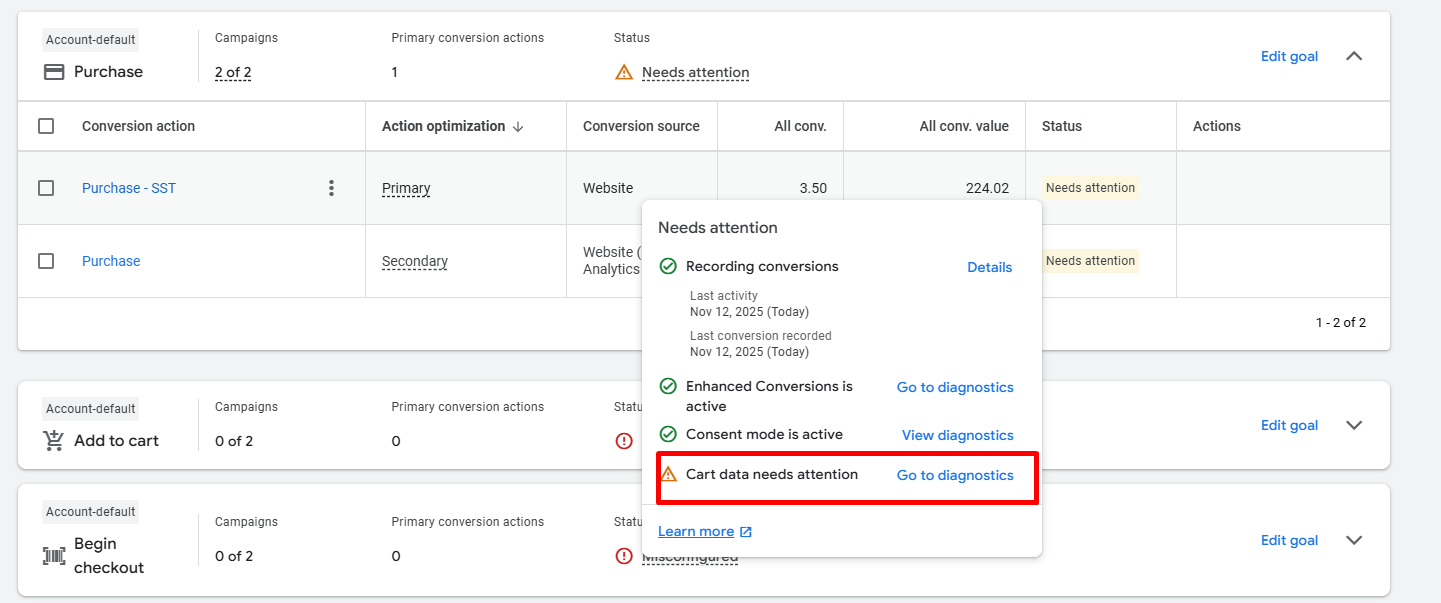
How to Fix the “Cart Data Needs Attention” Issue in Google Ads Conversion Tracking
When you see the yellow warning “Cart data needs attention” in your Google Ads conversion tracking diagnostics, it means your Purchase conversion event isn’t passing valid or complete product-level sales data — specifically, the items array required for Google Ads to understand which products were purchased. Let’s go step-by-step to fix this in Google Tag Manager (GTM), using a GA4 ecommerce dataLayer as your source. ⚠️ What the “Cart Data Needs Attention” Warning Means This diagnostic message typically appears in Goals→ Conversions → Diagnostics → Cart data when: The Google Ads Purchase tag is missing the items array. The array exists but lacks one or more of these required keys: id (product/item ID) price quantity Your Merchant Center feed IDs don’t match the item_id values. Or the data format is invalid (not an array of valid objects). ✅ Step 1: Enable Product-Level Sales Data in the Purchase Tag In Google Tag Manager → Google Ads Conversion Tracking (Purchase): Scroll down and check “Provide product-level sales data”. Set the Data Source to Custom Fields. You’ll see a field called Items — this is where we’ll insert the correct array. If this field is left empty or malformed, your conversion will record...